During my internship at STEM Montessori Academy of Canada, I was brought on to help build out the social media presence for the STEM Canada Pre-University Summer Program, a national program targeting students aged 10 to 17 across Canada. What made this project special was that it was entirely self-directed. No hand-holding, no templates to follow. I was given the brief and trusted to run with it from start to finish, which meant every creative decision, from the concept to the final export, was mine.
The deliverable was a series of three Instagram Reels built to drive awareness and get students excited about the program.
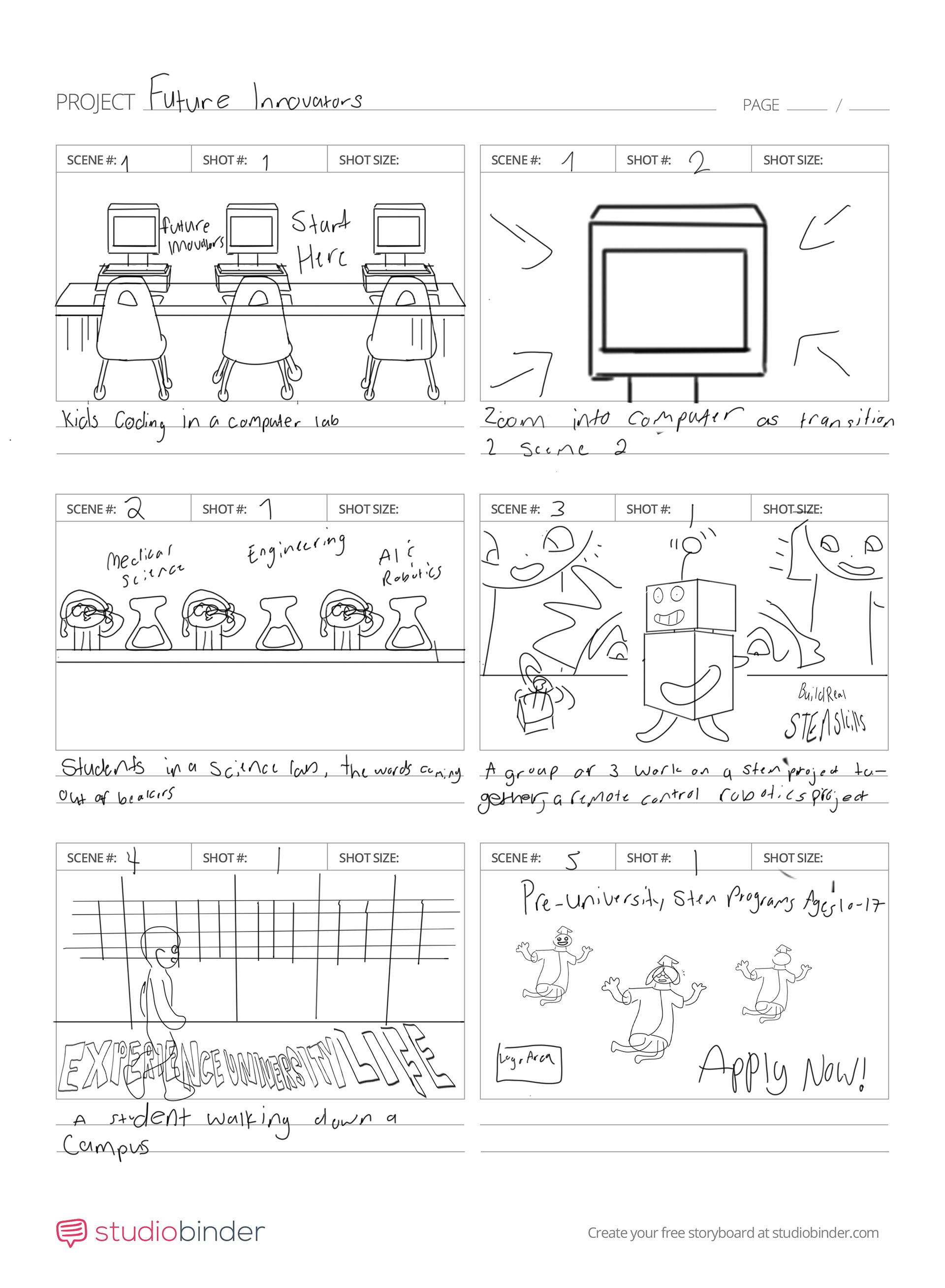
Storyboard for Reel #1
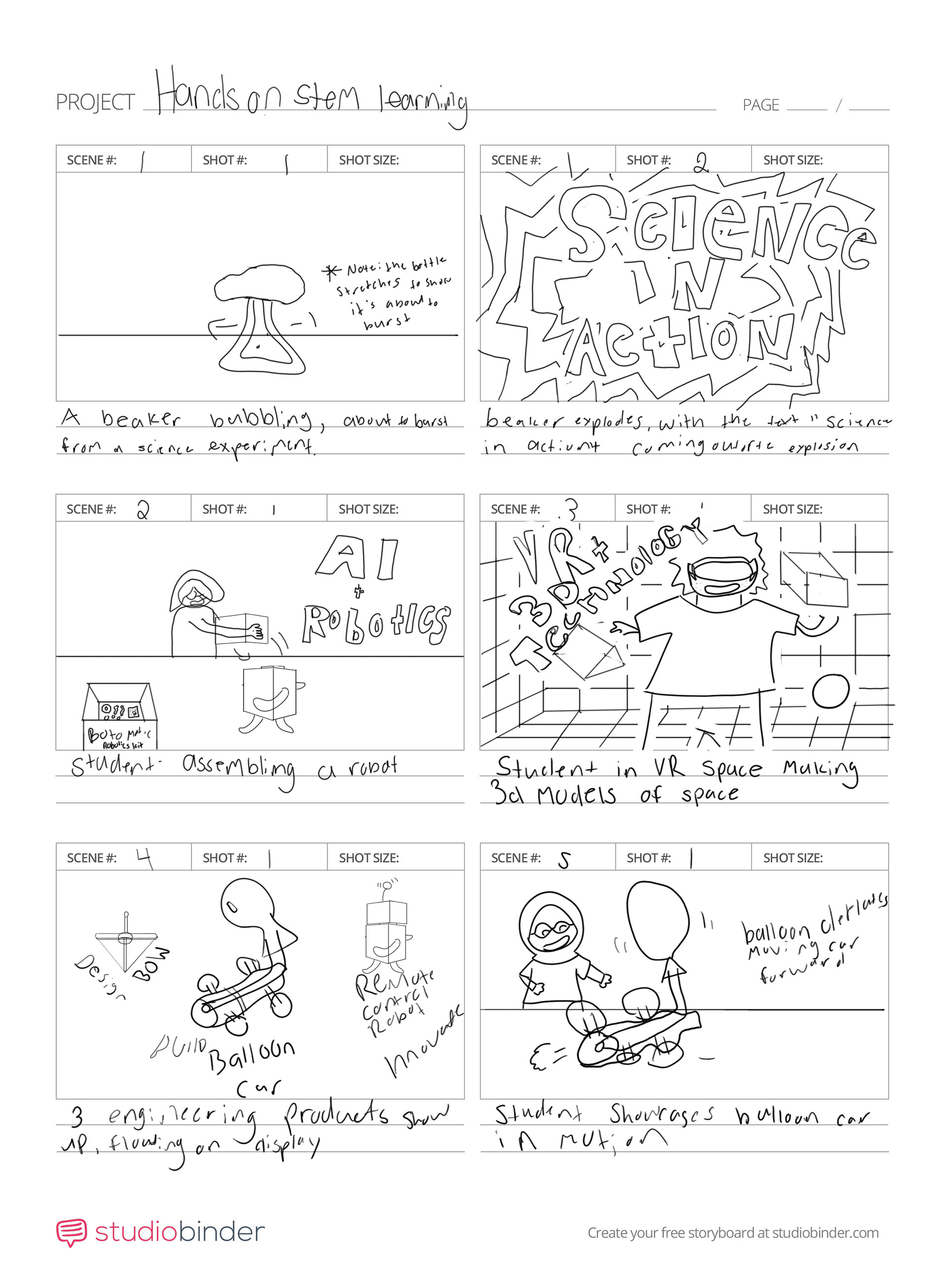
Storyboard for Reel #
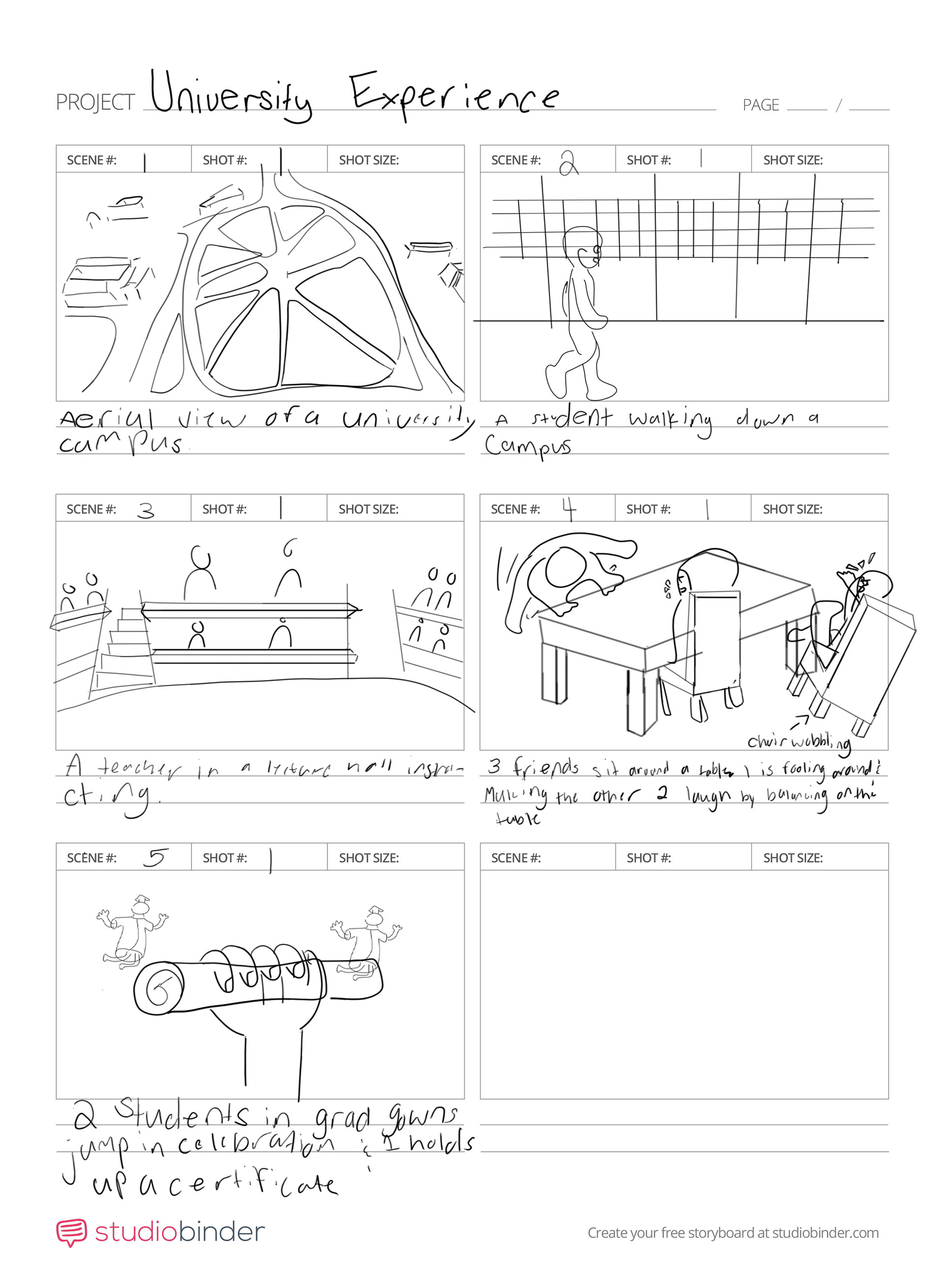
Storyboard for Reel #3
My storyboarding process is all about intention. Before anything gets built, I map out the full narrative arc of each Reel scene by scene. Establishing shots, character moments, transitions, and the final payoff. I think about what each frame needs to communicate and how one scene leads naturally into the next. By the time I open Illustrator, I already know exactly what needs to be built and why. The storyboard takes the guesswork out of production and lets me move faster and more deliberately through every stage that follows. For me, it's not a formality; it's where the creative decisions actually get made.
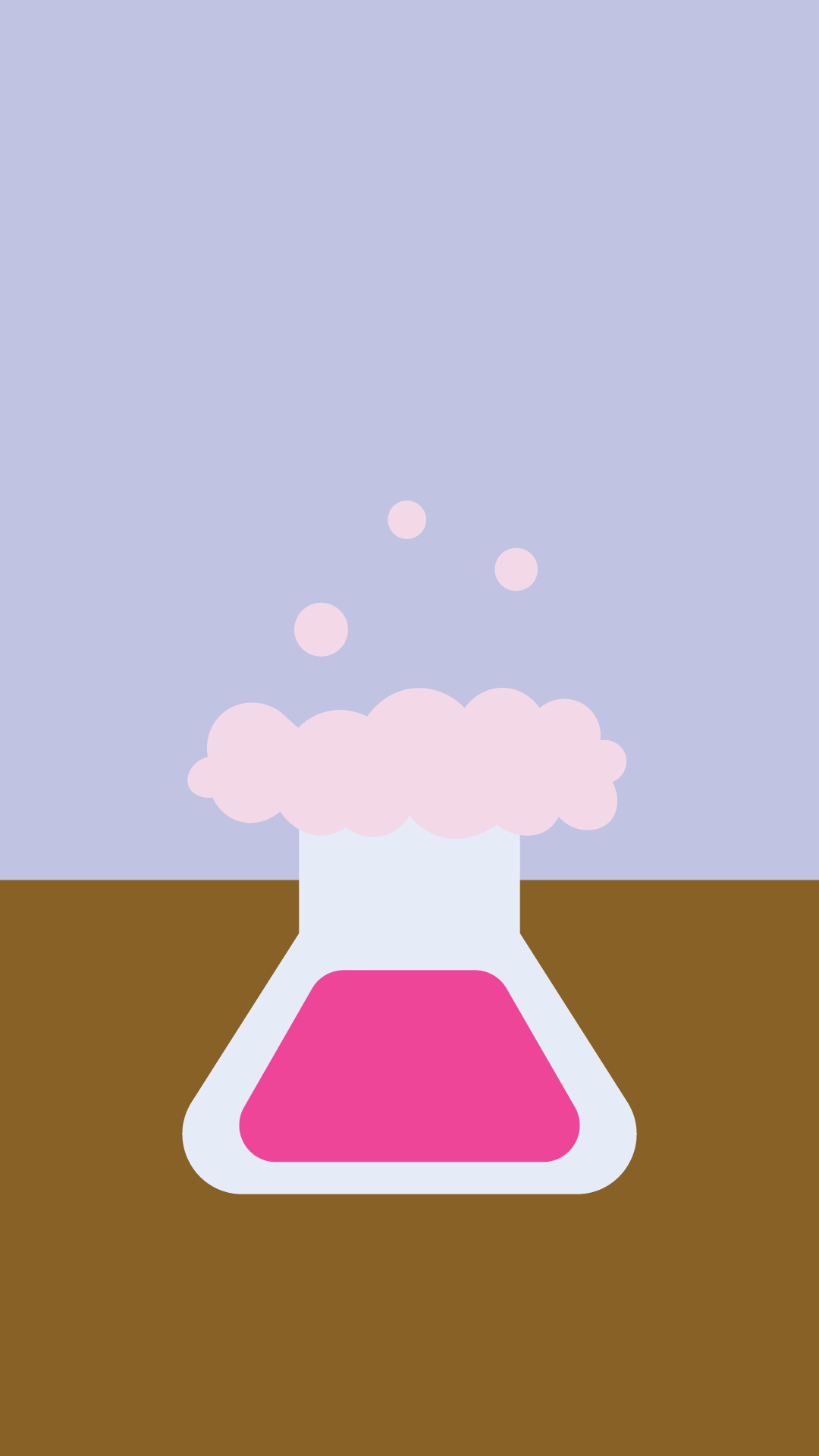
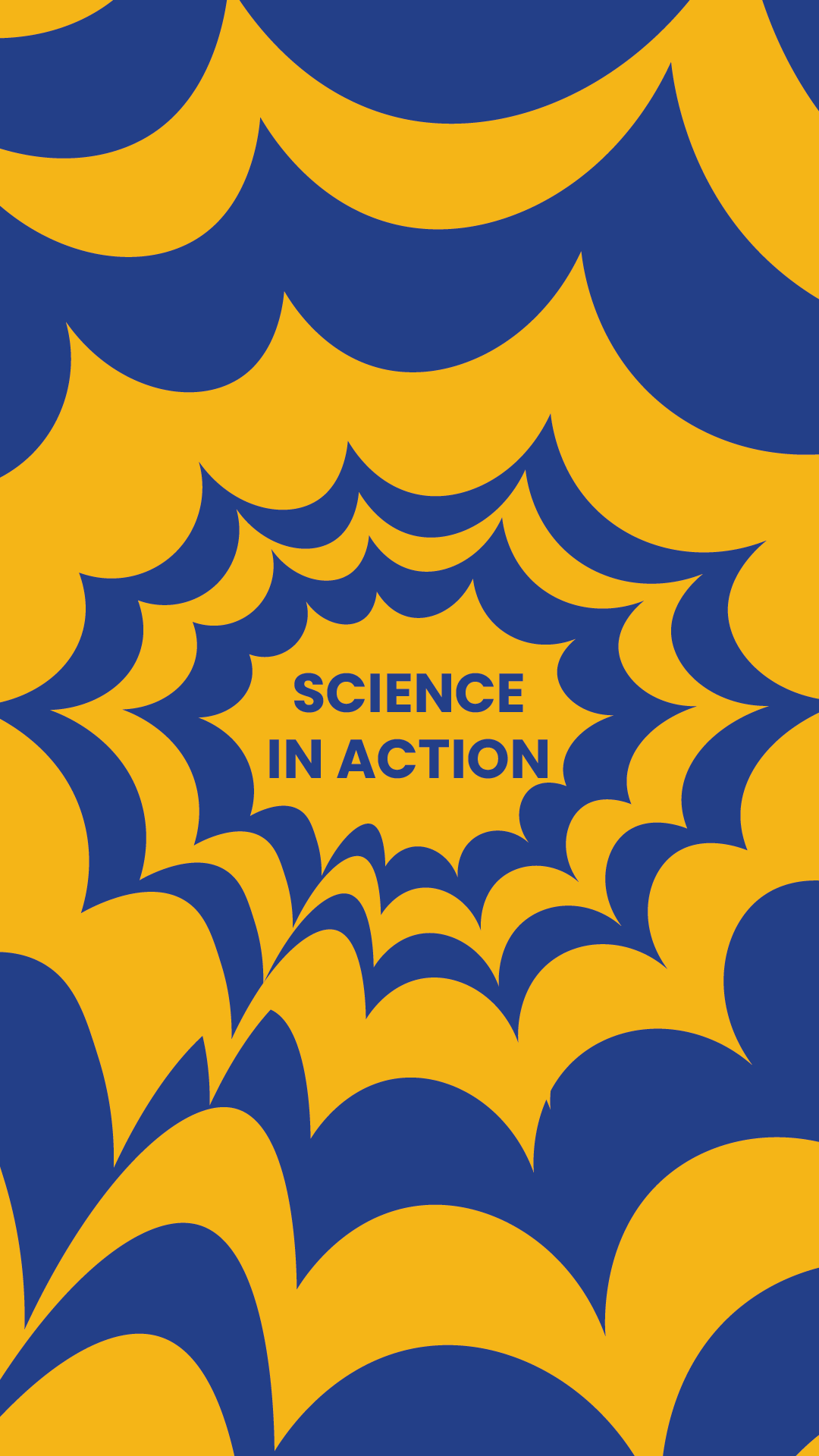
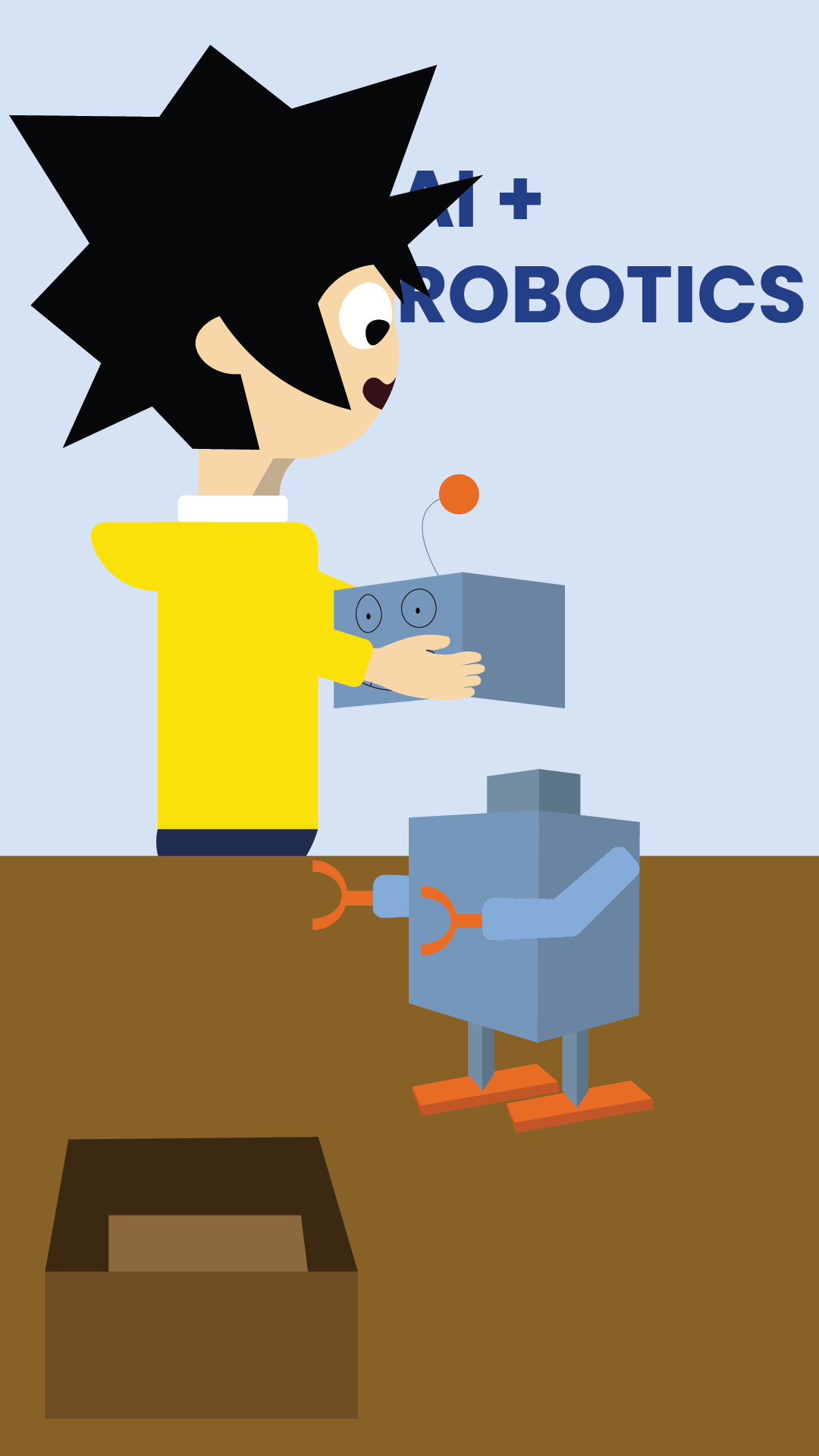
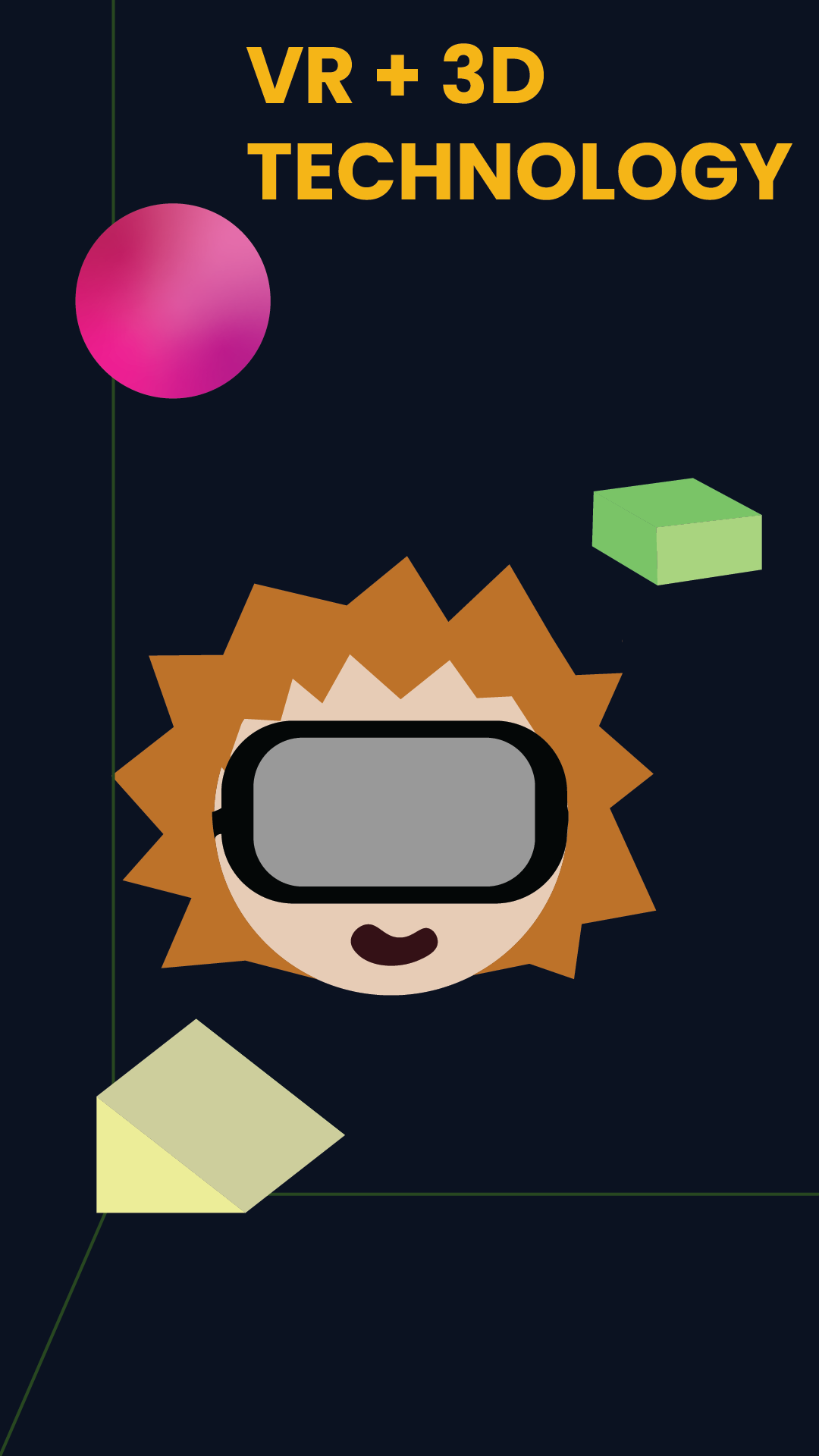
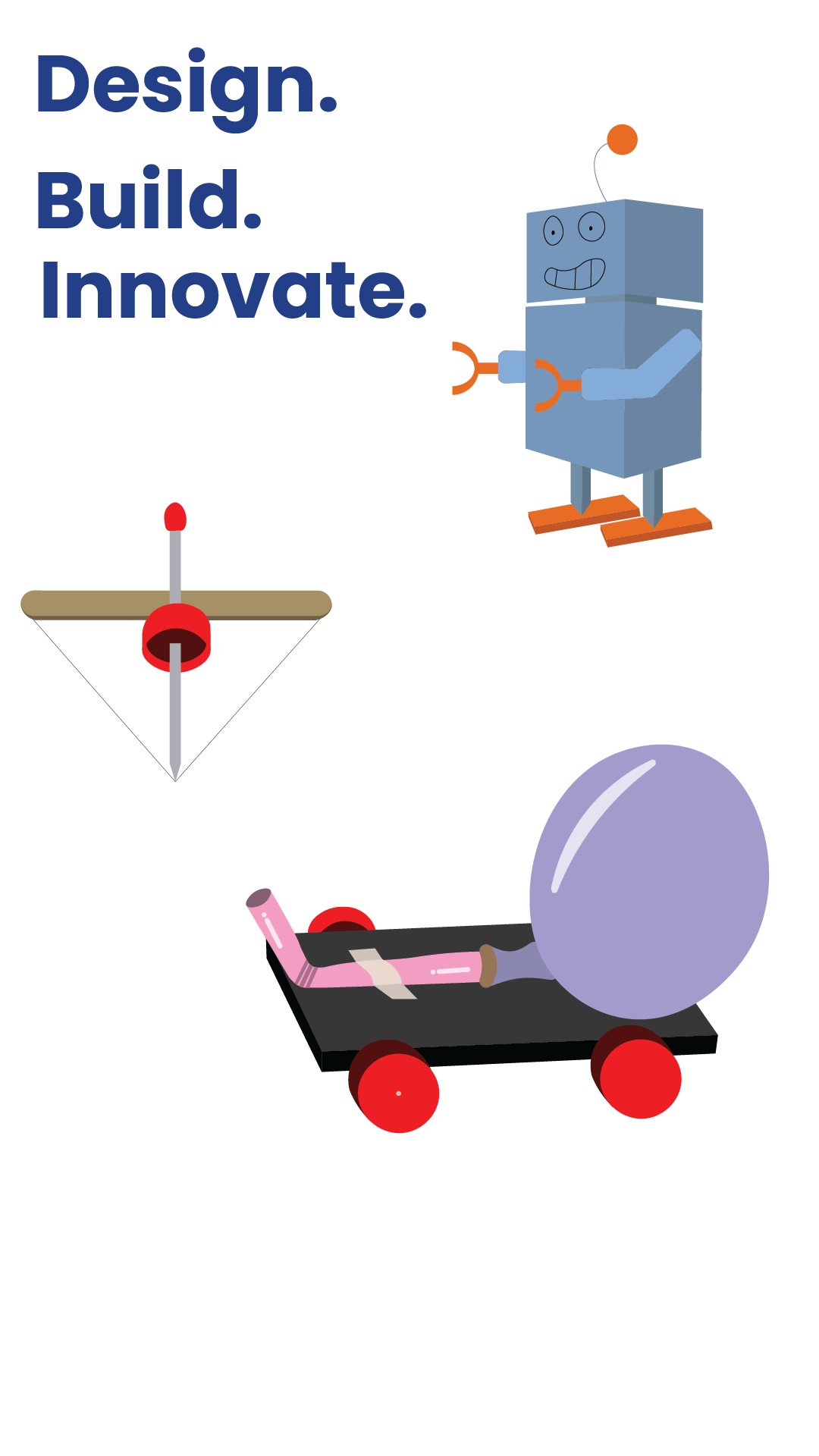
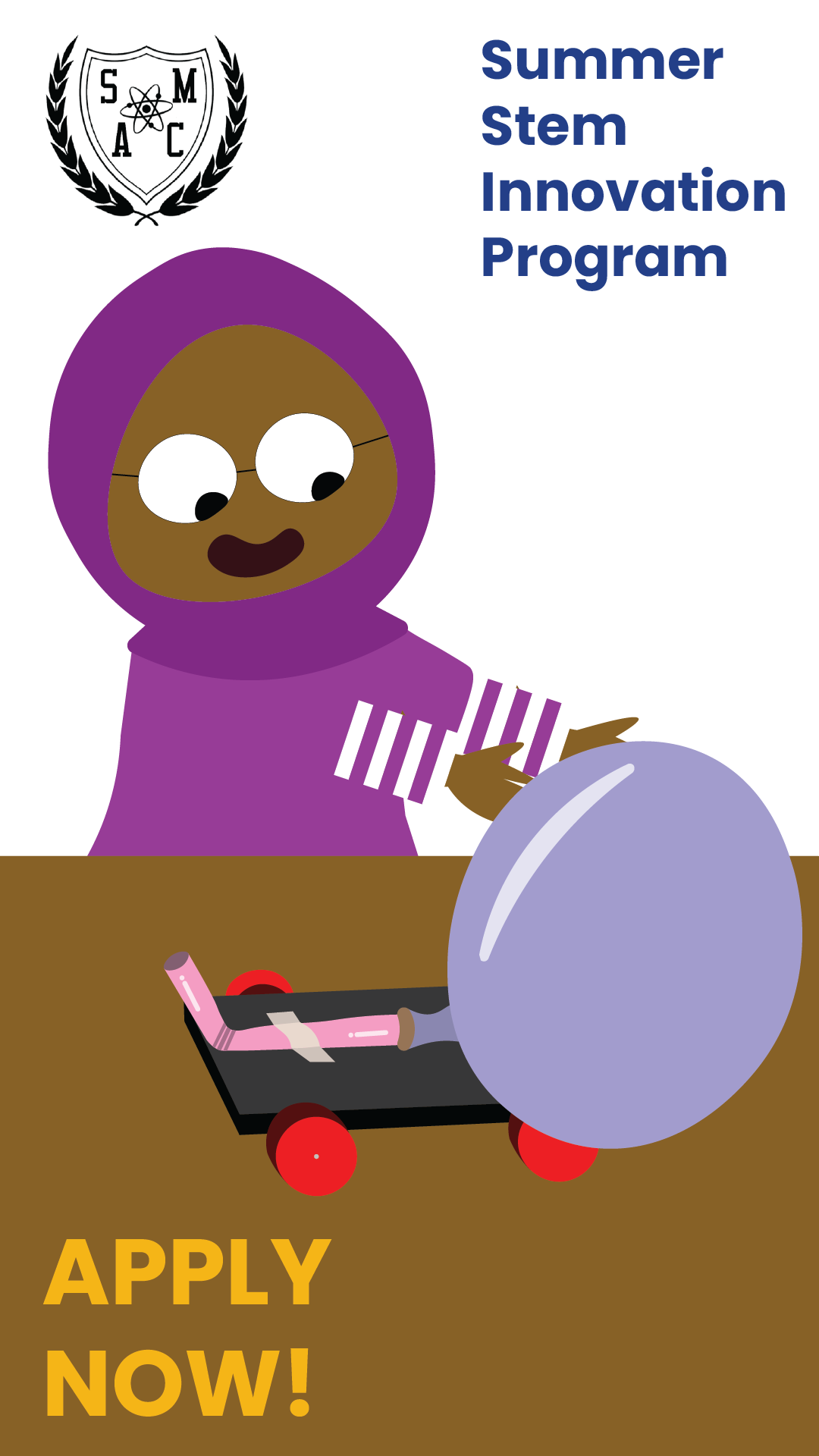
Every asset you see in these Reels was built by me from scratch in Adobe Illustrator. The illustration stage is where the project really starts to take shape, but it's also where things get interesting. The storyboard is the plan, but illustration is where you meet reality. Sometimes a scene I had mapped out just didn't translate the way I imagined it, and rather than forcing it, I'd let the work evolve. A character would take on a different form, a background would shift in a direction that felt more alive, or a completely new idea would surface mid-build that fit the concept better than what I originally had. The spider web burst for the Science in Action scene is a good example of that creative instinct kicking in. The illustration process for me isn't just execution; it's still part of the creative conversation. By the end of it, every element was also built with animation in mind, meaning each component was structured and separated so it could move naturally once I brought it into After Effects.
Bringing the illustrations into After Effects was where everything finally came together. With 30 frames per second to work with, timing was everything. Every movement, transition, and beat had to be deliberate because at that frame rate, anything that feels even slightly off is immediately noticeable. I had to think about how long each scene needed to breathe, how fast elements would enter and exit the frame, and how the pacing of the animation would carry the viewer from one moment to the next. Sound design and music played a huge role in making that timing feel natural. Sound effects were sourced from Pixabay and layered in to give each animated moment weight and personality. The music was generated using Adobe Firefly, which let me find something that fit the energy and tone of the program without the limitations of trying to clear a track.